
Top Stories
6 Crucial Tips to Maximize NVMe SSD Performance NOW

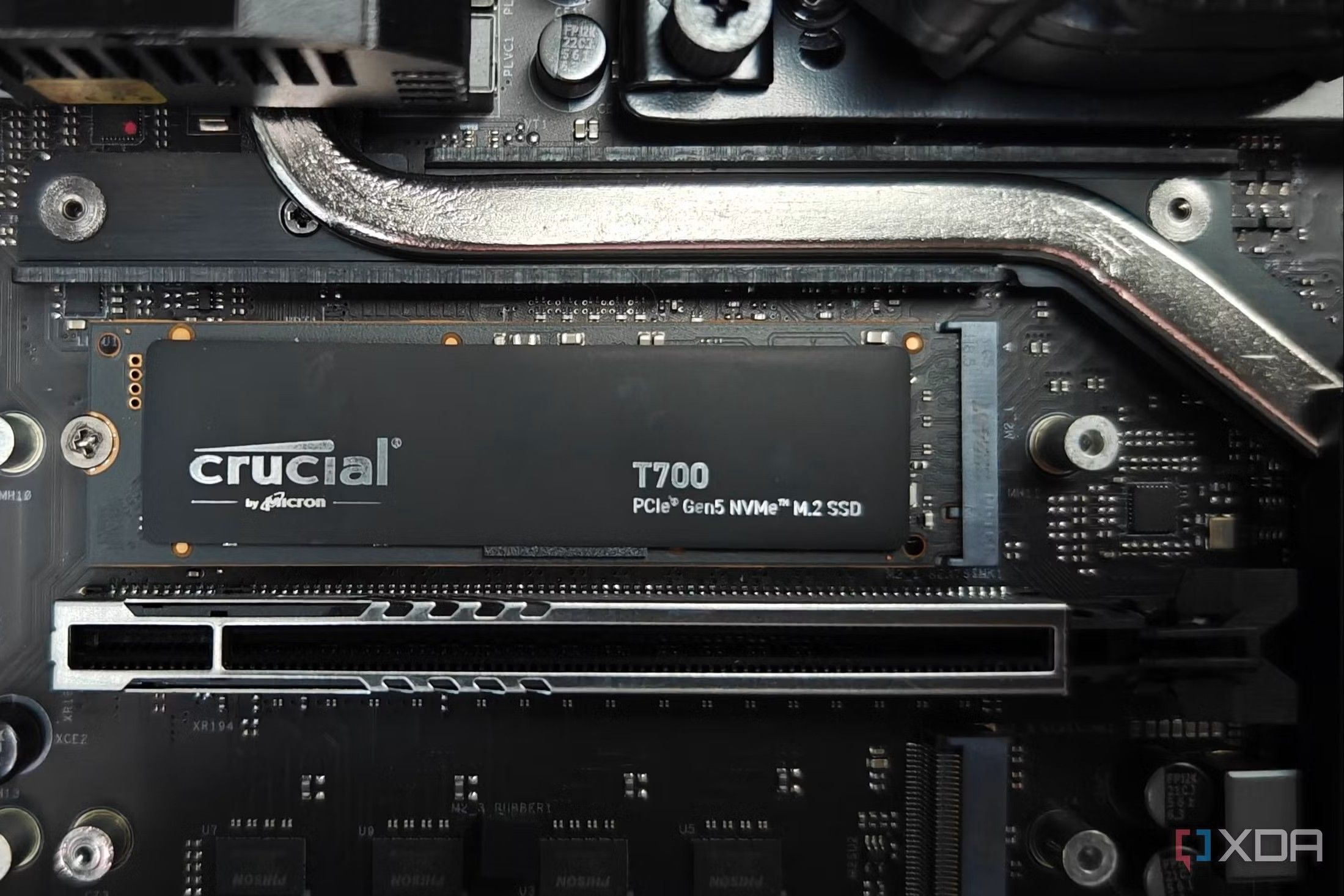
UPDATE: New insights confirm that optimizing your NVMe SSD can significantly enhance performance and longevity. As NVMe (Non-Volatile Memory Express) SSDs dominate the storage market, users must act NOW to ensure their devices are functioning at peak levels.
Experts emphasize that these drives, while exceptionally fast, require basic maintenance to avoid early wear and data loss. This is especially critical for gamers, content creators, and professionals relying on quick load times for high-end applications.
Here are 6 essential tips to keep your NVMe SSD running smoothly:
1. Enable TRIM Functionality:
TRIM is vital for maintaining your SSD’s health. It allows your operating system to inform the SSD about unused data blocks. Without it, deleted files leave residual data that can clutter your drive. To check if TRIM is active on Windows, open Command Prompt and run: fsutil behavior query DisableDeleteNotify. If the output is 0, TRIM is enabled. If it shows 1, activate it with: fsutil behavior set DisableDeleteNotify 0.
2. Maintain 10-20% Free Space:
Many users overlook the importance of not maxing out their SSDs. Keeping 10-20% of your NVMe drive empty allows for efficient data management and prevents rapid wear. A nearly full drive forces the SSD to erase and rewrite blocks more frequently, which can lead to performance degradation over time.
3. Keep Your Drive Cool:
While NVMe SSDs lack moving parts, they can still overheat, especially in cramped cases or near GPUs. If temperatures exceed 70°C, performance may throttle to prevent damage. Monitor temperatures using tools like CrystalDiskInfo, and consider adding heatsinks or improving case airflow.
4. Avoid Defragmentation:
Unlike traditional HDDs, defragmenting SSDs is unnecessary and can actually shorten their lifespan. Windows typically disables defrag for SSDs, relying instead on TRIM to optimize performance. Users should avoid any manual defragmentation processes.
5. Limit Heavy Write Workloads:
SSDs have a finite number of write cycles. For users with demanding tasks like video editing or coding, consider offloading temporary files to secondary storage drives. Adjust browser settings to store cache on different drives to minimize stress on your main NVMe SSD.
6. Regularly Monitor SSD Health:
While SSDs are durable, keeping an eye on their health is wise. Check metrics like total writes and temperature every few months. Tools like CrystalDiskInfo and Samsung Magician are effective for tracking the health of your SSD, helping you catch potential issues early.
As NVMe SSDs continue to revolutionize data storage, it’s crucial for users to adopt these practices to extend the life and performance of their drives. By following these six tips, you can maximize your investment and ensure your SSD operates at its full potential. Share this information NOW to help others protect their data and enhance their user experience!

OpenAI’s Sam Altman Claims He Can’t Parent Without ChatGPT

Verdigris Falls to Holland Hall in First-Round Playoff Loss

49ers Eye Playoffs: The Winning Formula for Final Games

Bali Police Arrest British Sex Worker Bonnie Blue Amid Controversy

Biggby Coffee Recognizes Barista of the Year: A Story of Connection

Iconic Game Show ‘The Wheel’ Launches Live Show in Sarasota

Emotional Connection Key to Effective AI Therapy, Study Finds

401(k) Plans Create New Wave of Moderate Millionaires

Stocks Fluctuate as Investors React to Economic Data Today

ALMA Discovers Companion Orbiting Giant Red Star π 1 Gruis

New ‘Star Trek: Voyager’ Game Demo Released, Players Test Limits

SEVENTEEN’s Mingyu Faces Backlash Over Alcohol Incident at Concert

Global Air Forces Ranked by Annual Defense Budgets in 2025

Mass Production of F-35 Fighter Jet Drives Down Costs

Electrification Challenges Demand Advanced Multiphysics Modeling

Gold Investment Surge: Top Mutual Funds and ETF Alternatives

Time Crystals Revolutionize Quantum Computing Potential

DirecTV to Launch AI-Driven Ads with User Likenesses in 2026
-
 Science4 weeks ago
ALMA Discovers Companion Orbiting Giant Red Star π 1 Gruis
-
 Top Stories2 months ago
New ‘Star Trek: Voyager’ Game Demo Released, Players Test Limits
-
 Politics2 months ago
SEVENTEEN’s Mingyu Faces Backlash Over Alcohol Incident at Concert
-
 World2 months ago
Global Air Forces Ranked by Annual Defense Budgets in 2025
-
 World2 months ago
Mass Production of F-35 Fighter Jet Drives Down Costs
-
 World2 months ago
Electrification Challenges Demand Advanced Multiphysics Modeling
-
 Business2 months ago
Gold Investment Surge: Top Mutual Funds and ETF Alternatives
-
 Science2 months ago
Time Crystals Revolutionize Quantum Computing Potential
-
 Top Stories2 months ago
DirecTV to Launch AI-Driven Ads with User Likenesses in 2026
-

 Entertainment2 months ago
Freeport Art Gallery Transforms Waste into Creative Masterpieces
-

 Health2 months ago
Gavin Newsom Critiques Trump’s Health and National Guard Plans
-

 Business2 months ago
US Government Denies Coal Lease Bid, Impacting Industry Revival Efforts